Models
Manage AI models
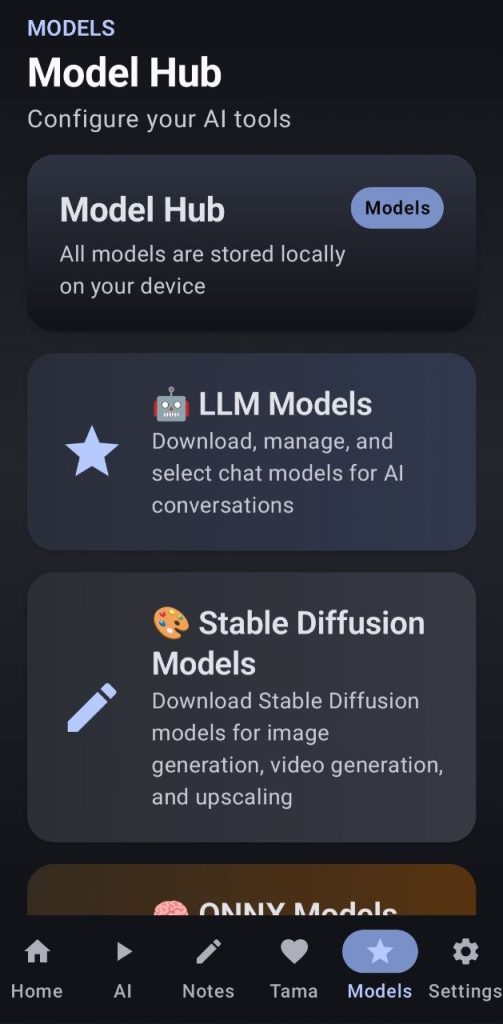
1. LLM Models
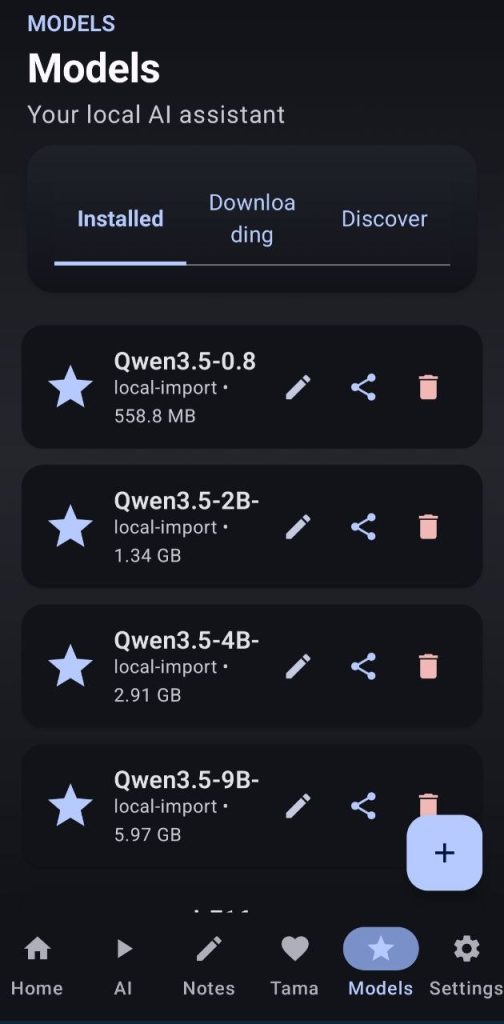
Here you will be able to download gguf models from Hugging Face by searching for them in the discover tab. You can also import models from your phone’s storage, export downloaded models, and remove or rename them.
When importing models it is very important that you select if they support vision or not, and if they do you should remember to also import their mmproj file. It can be downloaded automatically if you allow it when you are downloading a model that supports it.
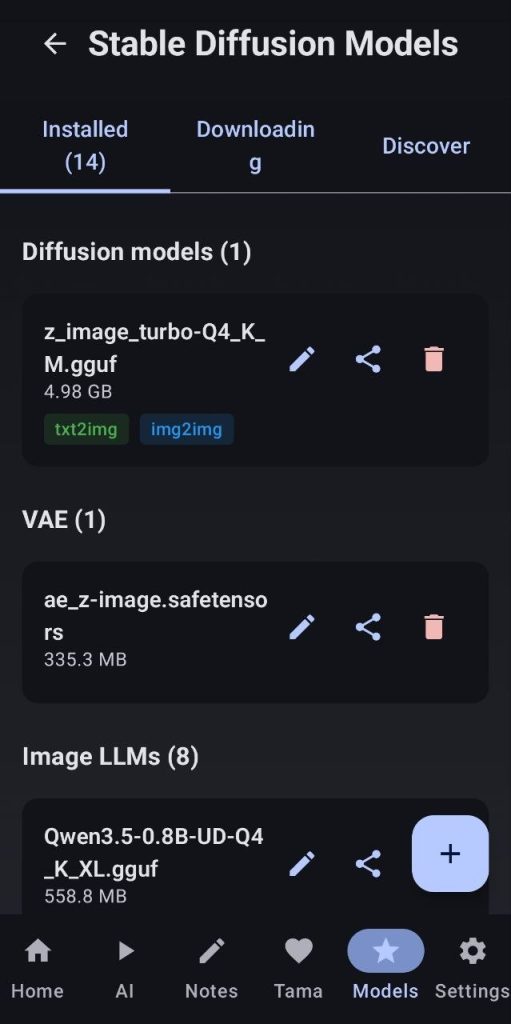
2. Stable Diffusion Models
Here you will be able to download gguf models from huggingface by searching for them in the discover tab. You can also import them from your phone’s storage, export the downloaded ones to your phone’s storage and remove or rename them
When importing models it is very important that you select the type of model, review all options carefully. You can edit the selection afterwards if you think you made a mistake or if the download did not automatically select it right. For LLMs for images, you will need to select which image gen family it supports.
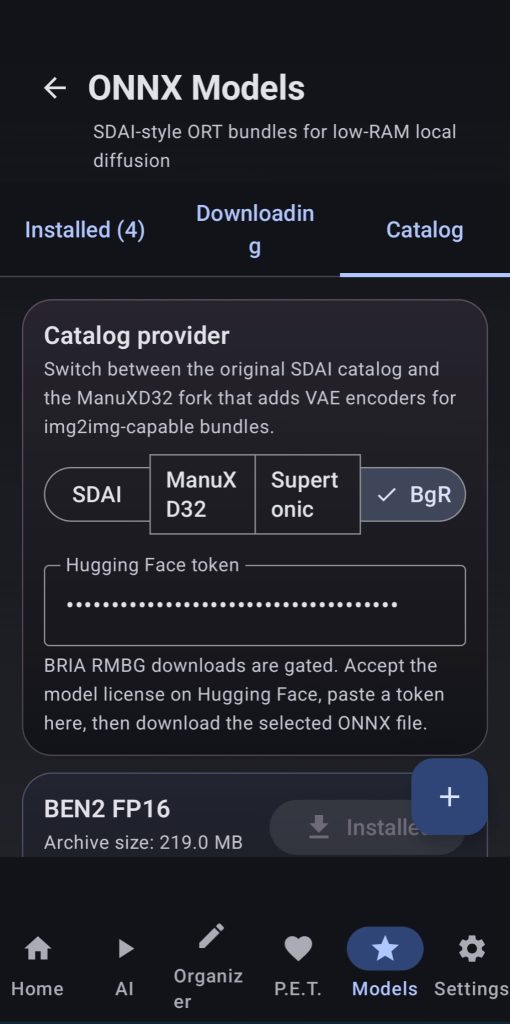
3. ONNX Models
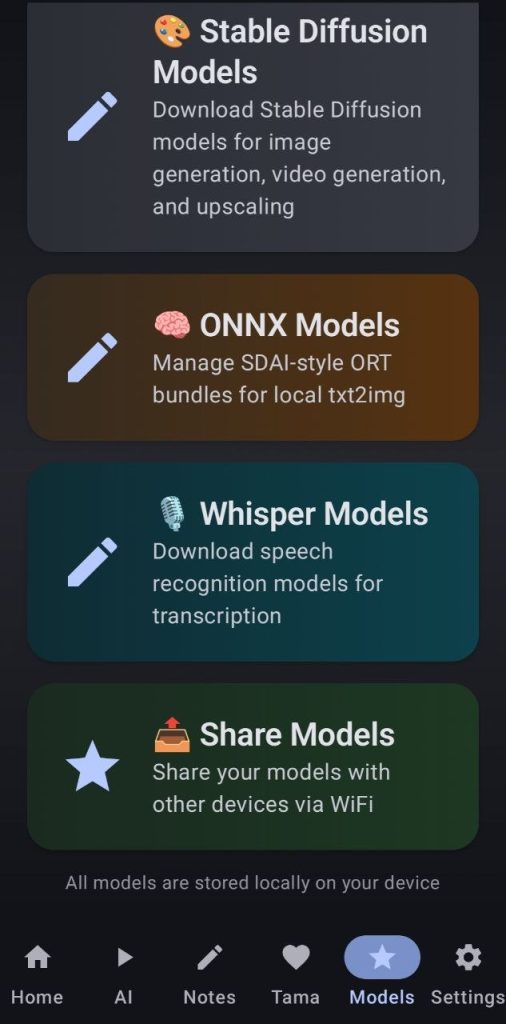
Here users can install the ORT models from SDAI local app or the ones I built adding vae decoding support for allowing img2img inference, if you do not want/need img2img download the SDAI ones as they are lighter. These models are saved in the phone’s internal storage under Download/ADT/onnx.
You can also download the Supertonic model for TTS and the BgR models.
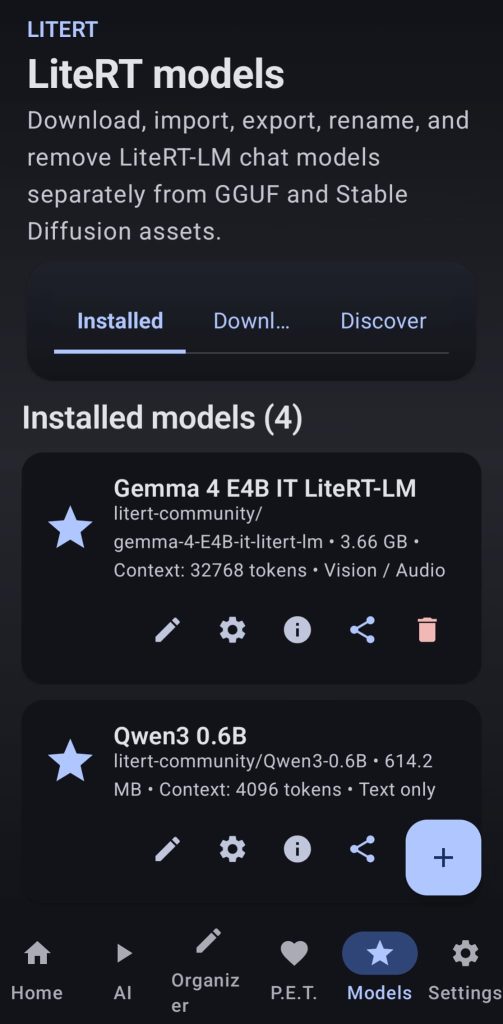
4. LiteRT Models
Download models for using with the LiteRT backend now included on the app
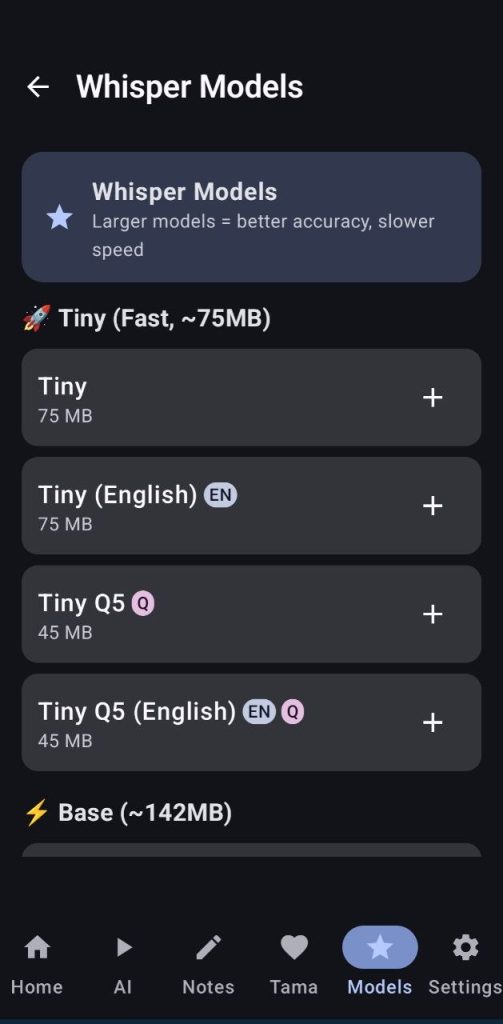
5. Whisper Models
Here users can download the whisper models used for transcription of audio files, importing/exporting models from/to internal storage is also possible
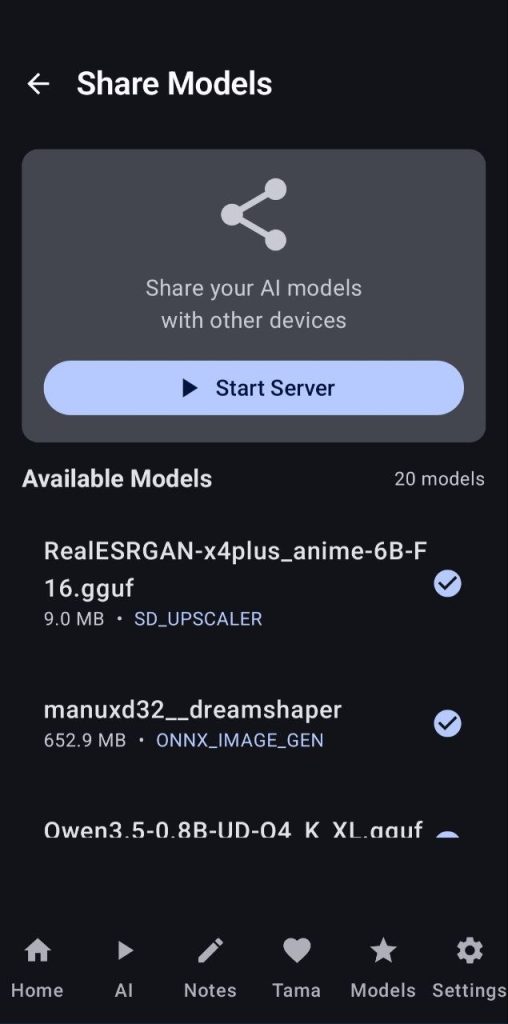
6. Share Models
Here the user can share installed models with people on the same local network., just start the server and select the models you want to share, other devices will be able to access and download the models from your phone